

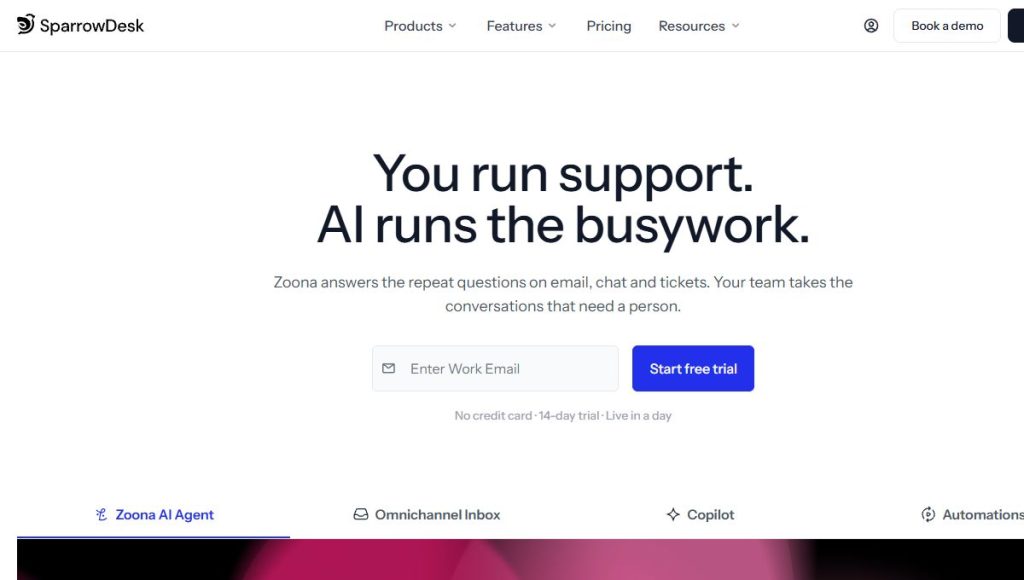
SparrowDesk combines ticketing, customer conversations and AI assistance in a support workspace. The useful question is whether it improves your team’s actual queue, rather than whether AI can answer a demonstration question. This SparrowDesk review assesses the published product and a practical evaluation approach.
We have not deployed SparrowDesk or measured resolution quality, setup time or support savings.
Explore SparrowDesk and check current availability →
What the platform includes
The official site describes an omnichannel inbox, ticketing, live chat, a help center, workflows, macros, SLAs, CSAT and reporting. Its Zoona AI agent handles automated responses, while Copilot assists staff. Available channels and integrations should be confirmed against the selected plan and the tools your organization already uses.
Start with a representative support queue
List your common questions, exceptions and escalation cases. A knowledge-based AI system depends on accurate, current source material. If the help center contains conflicting policies, automation can repeat the inconsistency faster rather than resolve it. Identify who owns knowledge updates and how policy changes will reach the system.
During a trial, use realistic but non-sensitive sample tickets: a straightforward product question, an ambiguous request, a refund exception and a message outside normal support scope. Assess whether the answer is grounded and whether handoff to a person preserves context. Speed alone is a weak measure if agents later need to repair incorrect promises.
Operational features still matter
Shared ownership, assignment rules, business hours and response targets can provide value even without full automation. Check how the team handles reopened tickets, urgent requests and conversations spanning several channels. Reporting should help explain workload and customer experience, rather than simply celebrate the number of automated replies.
Potential strengths and limitations
- Consolidation: an inbox, knowledge base and workflow tools can reduce switching between systems.
- Assistance: AI may help with repetitive questions when source information is well maintained.
- Trade-off: configuration, supervision and knowledge ownership require ongoing work.
- Evidence limit: we have not verified advertised automation rates or customer-outcome improvements.
Pricing and data checks
Compare seat costs, AI usage or resolution allowances, channels and integration limits in the current plan. Review data retention, export, permissions and the provider’s security documentation before moving customer conversations. Published compliance statements should be evaluated for your specific use, not treated as a blanket approval for every category of data.
FAQ
Can AI replace the entire support team?
Do not plan around that assumption. Exceptions, sensitive issues and uncertain answers need an effective human process.
Is the cheapest plan enough?
Only if it includes the channels, workflows and usage capacity your team actually needs.
Verdict
SparrowDesk deserves a trial when support is fragmented and the team can maintain dependable knowledge sources. Evaluate answer quality, handoff and total usage cost together. A controlled pilot is a stronger buying basis than a headline automation percentage.
Explore SparrowDesk and check current availability →
Sources and review approach
This is an editorial review of published product information, not a hands-on performance test. Sources were consulted on 21 October 2026.